New on the App Store

Stop Losing
Screenshots.
Start Recalling.

Recalla uses on-device AI to automatically sort, tag, and search every screenshot on your iPhone โ€” receipts, notes, URLs, and more. All private, all instant.

100%
On-Device
6
Smart Categories
Free
To Start
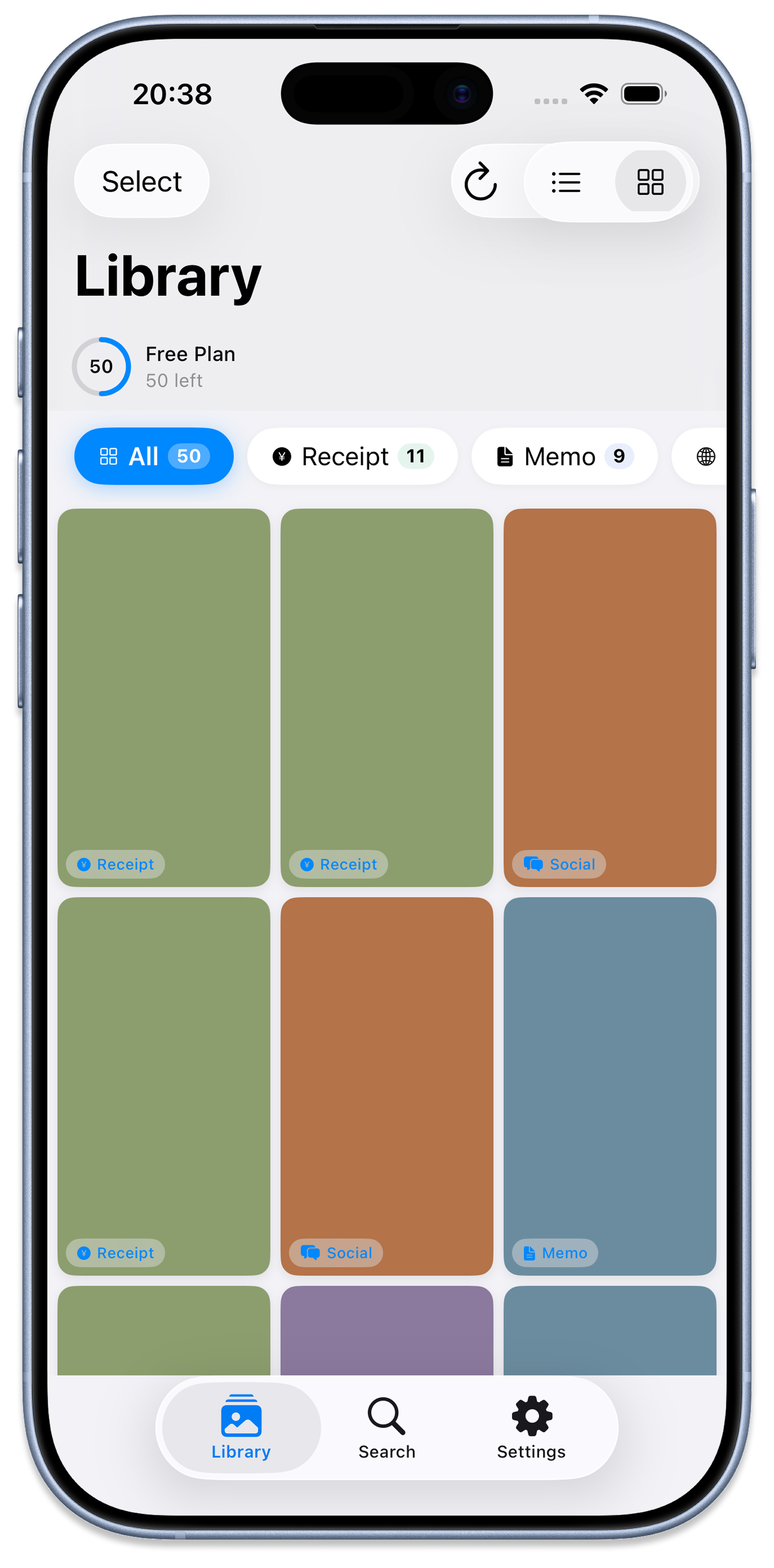
Recalla Library Screen
๐Ÿค–
AI Classified
Receipt detected
๐Ÿ”’
100% Private
No cloud upload
โšก
Instant Search
Smart & fast

Your Screenshots Deserve
Better Than Chaos

Sound familiar? Recalla was built to solve exactly these headaches โ€” without sending a single byte to the cloud.

๐Ÿ˜ฉ

Endless Scrolling

You know you saved that restaurant screenshot last month, but now you're scrolling through 2,000 photos to find it.

๐Ÿ”

Privacy Worries

Screenshots contain passwords, receipts, and personal info. Uploading to cloud apps feels risky โ€” and it is.

๐Ÿ—‚๏ธ

Manual Sorting Is Tedious

Manually creating albums and sorting photos is a chore nobody wants to do โ€” so it never actually gets done.

๐Ÿ’ธ

Important Info Gets Lost

That promo code, that bus ticket, that quote from a podcast โ€” buried and forgotten the moment you close the camera roll.

Everything You Need to
Tame Your Camera Roll

Six intelligent tools that work together โ€” all running silently on your device, all completely private.

Smart OCR Text Extraction

Vision framework reads every word in your screenshots โ€” Japanese and English โ€” so you can search by exact content, price, or any keyword.

Free

Auto-Classification into 6 Categories

Receipts, Memos, URLs, SNS posts, Tickets, and More โ€” Recalla intelligently sorts your screenshots the moment you scan them.

Free

AI-Generated Summaries

Each screenshot gets a concise, category-aware summary so you instantly know what's inside without opening it.

Pro

Smart Auto-Tagging

Up to 10 contextual tags extracted per screenshot โ€” brand names, amounts, dates, hashtags โ€” making filters lightning-fast.

Pro

Semantic Vector Search

Search by meaning, not just keywords. Ask "coffee shop last Tuesday" and Recalla finds it โ€” even if those exact words aren't in the image.

Pro

100% On-Device Privacy

All AI processing happens on your iPhone using Apple's Vision & NaturalLanguage frameworks. Your data never leaves your device.

Free & Pro

Every Screen,
Thoughtfully Designed

Clean, intuitive, and built for how you actually use your iPhone.

Library Screen
๐Ÿ“š Library
Browse by category
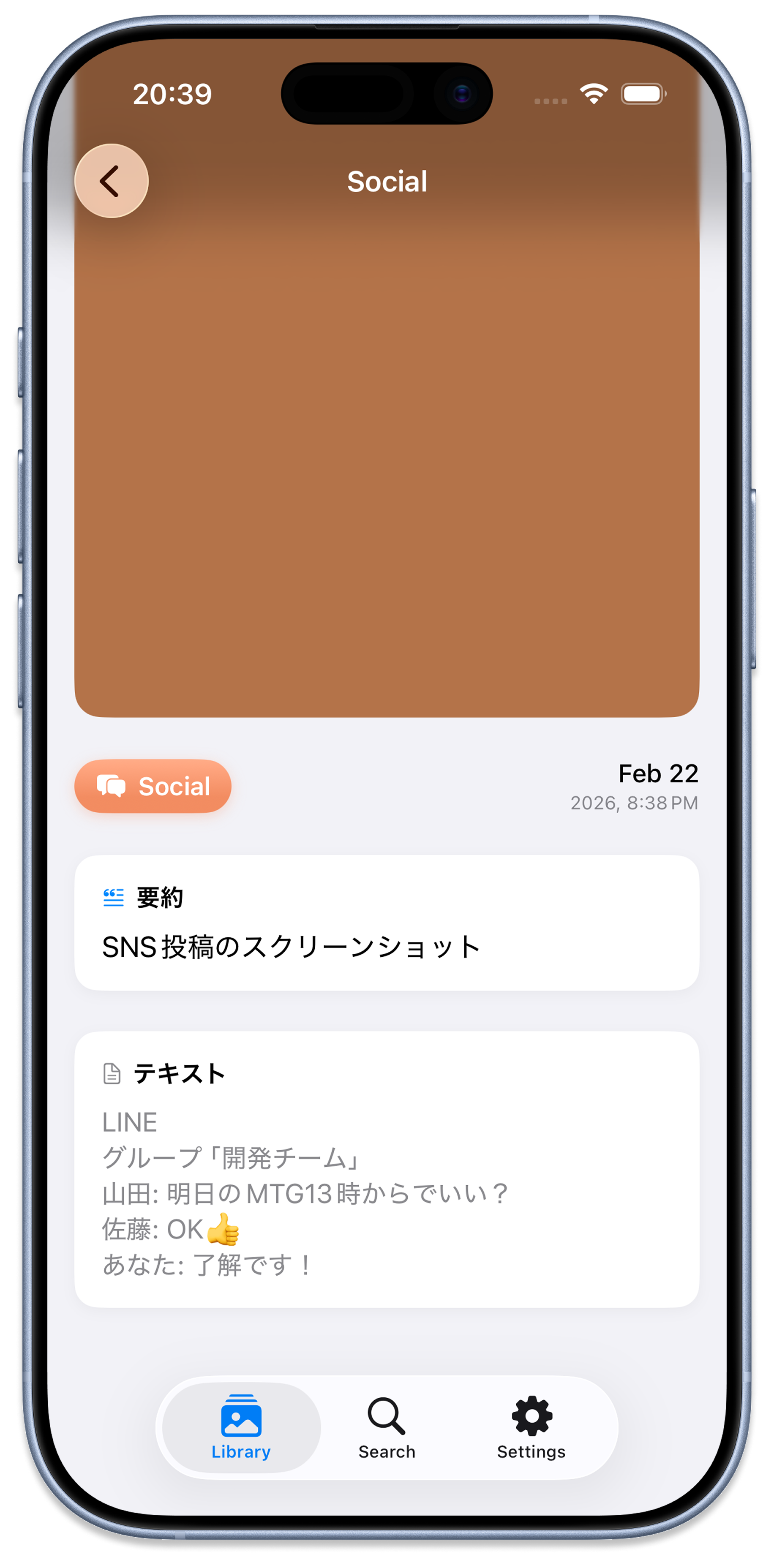
Detail Screen
๐Ÿ“‹ Detail View
AI summary & OCR text
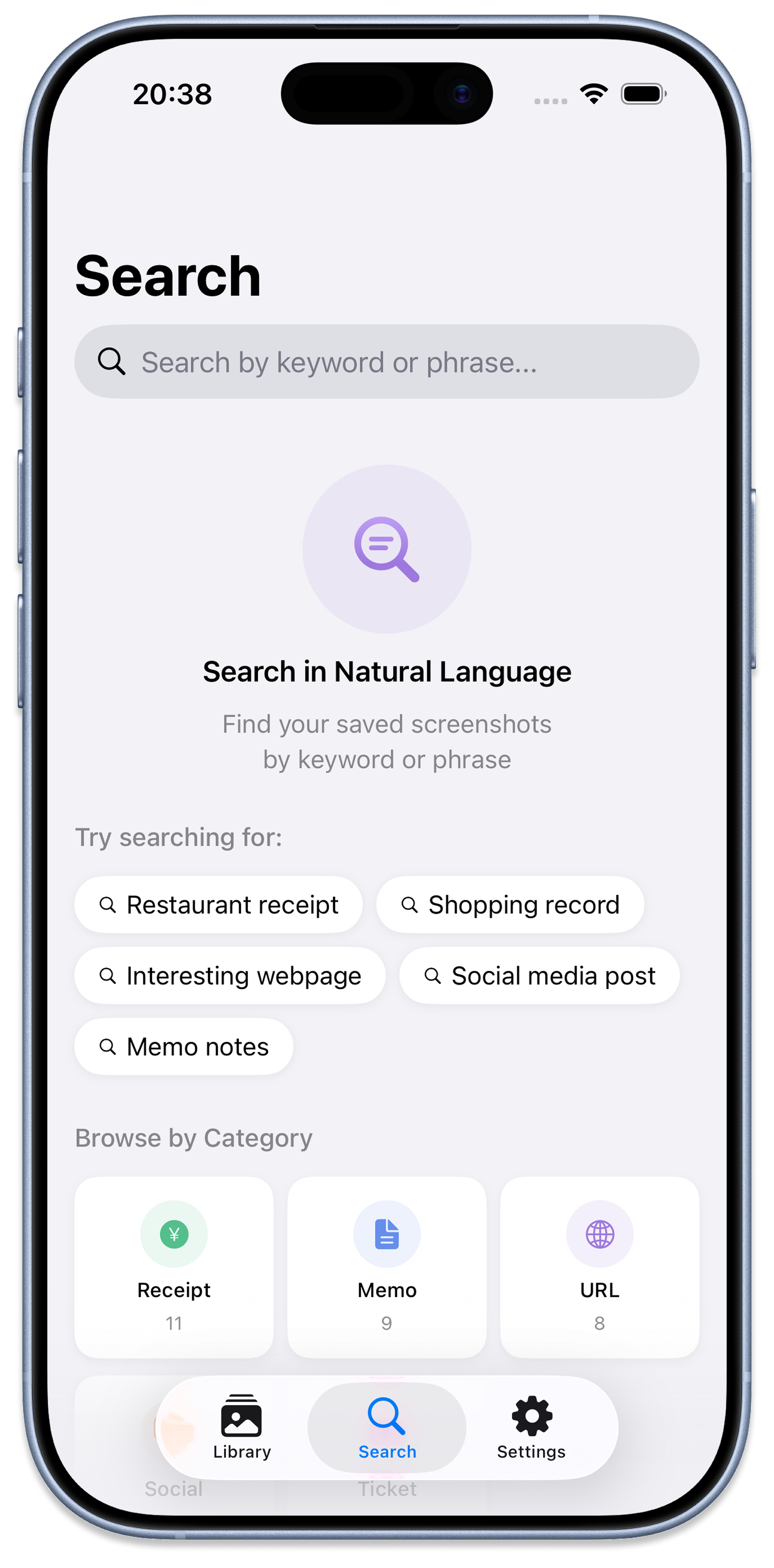
Search Screen
๐Ÿ” Smart Search
Natural language query
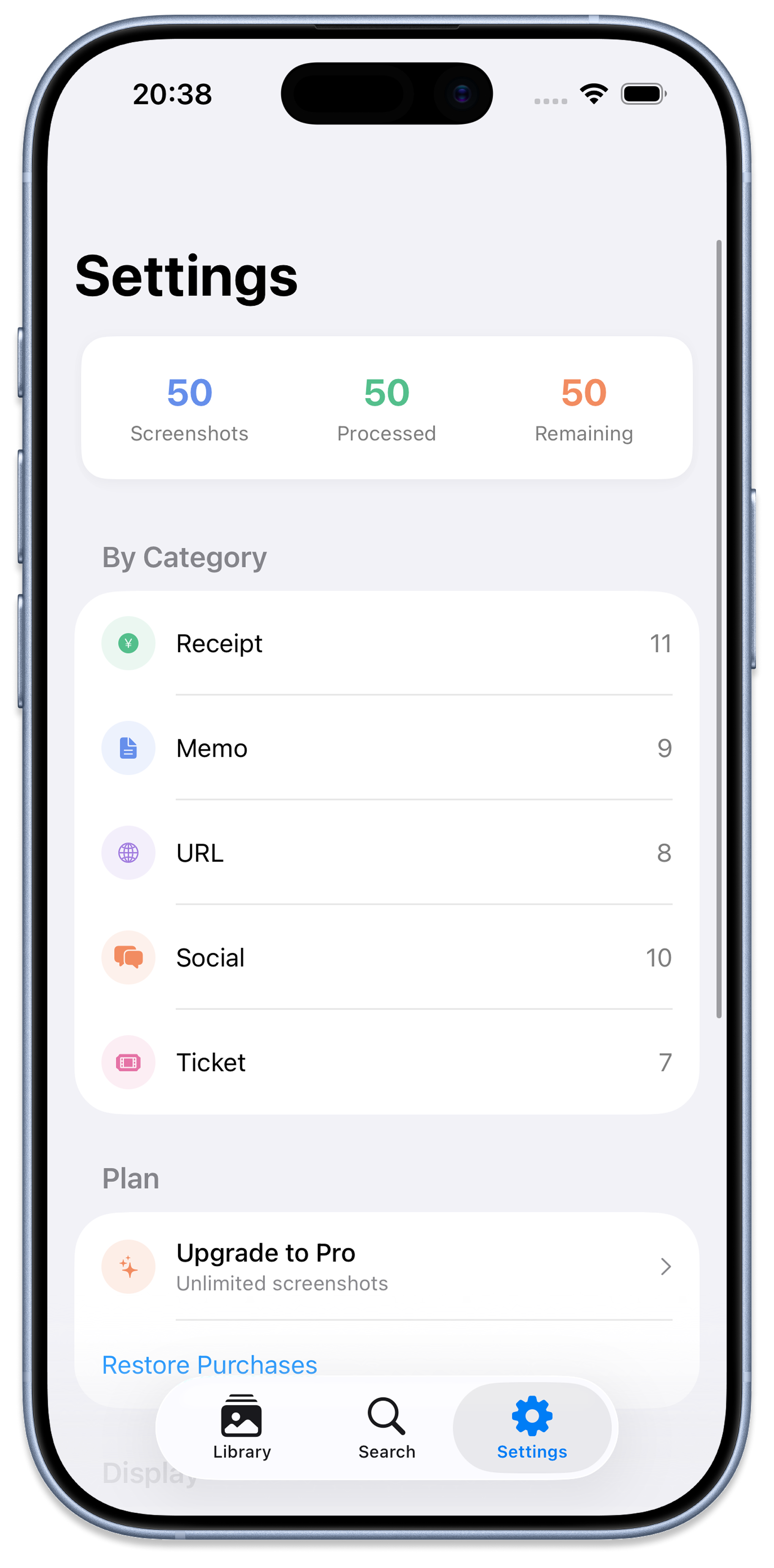
Settings Screen
โš™๏ธ Settings
Track & upgrade plan
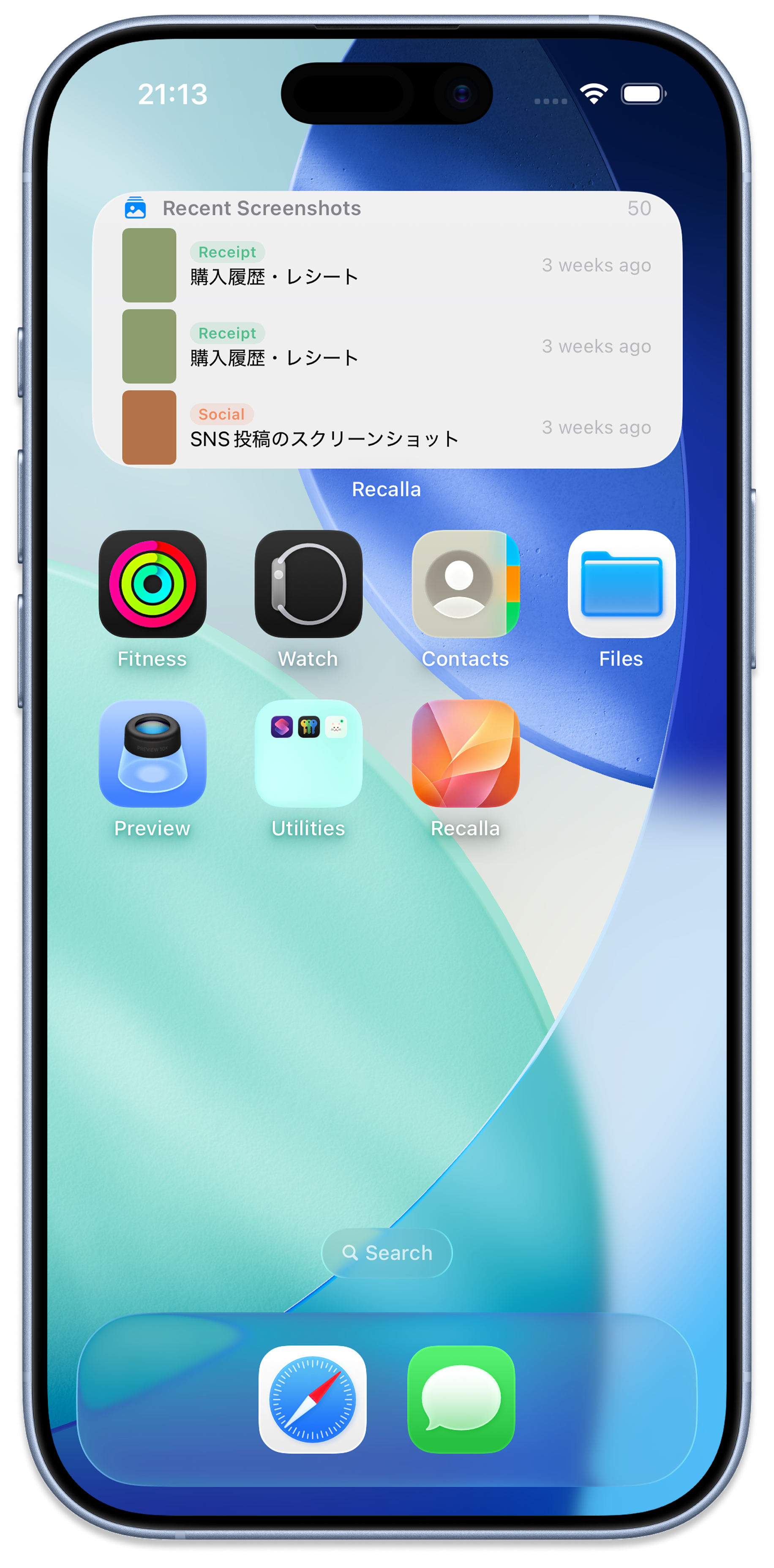
Widget Screen
๐Ÿ—‚ Widget
Recent screenshots at a glance

Start Free, Upgrade When Ready

No subscription tricks. Try Recalla free and unlock the full experience when you're ready.

Free
$0
Perfect for trying Recalla. Up to 100 screenshots organized for free.
  • Up to 100 screenshots
  • OCR text extraction
  • Auto-classification (6 categories)
  • Keyword search
  • AI summaries & tags
  • Semantic vector search
Start for Free
Pro Monthly
$1.99 / month
Unlimited screenshots, full AI power. Cancel anytime โ€” no strings attached.
  • Unlimited screenshots
  • Everything in Free
  • AI summaries per screenshot
  • Auto-tagging (up to 10 tags)
  • Semantic vector search
  • Home screen widget
Start Pro โ€” $2.99/mo
Lifetime
$24.99
Pay once, own Recalla Pro forever. Best value for power users.
  • Everything in Pro
  • One-time payment, forever
  • All future updates included
  • Priority support
  • Early access to new features
  • Save vs monthly in 7 months
Get Lifetime โ€” $19.99

Got Questions?
We've Got Answers

Yes, 100% private. Recalla uses Apple's on-device frameworks โ€” Vision for OCR and NaturalLanguage for AI processing. Absolutely nothing is sent to any server, cloud, or third-party service. Your screenshots stay on your iPhone, period.
Recalla requires iOS 18.0 or later. It is optimized for iPhone and also supports iPad. For the best semantic search experience, a recent iPhone (iPhone 12 or newer) is recommended for processing speed.
Recalla classifies screenshots into: ๐Ÿงพ Receipt (purchases, invoices), ๐Ÿ“ Memo (notes, quotes, reminders), ๐Ÿ”— URL (web pages, articles), ๐Ÿ’ฌ SNS (social media posts), ๐ŸŽŸ Ticket (events, reservations, boarding passes), and ๐Ÿ—‚ Other for anything else.
The Free plan lets you organize up to 100 screenshots with full OCR, auto-classification, and keyword search. Pro unlocks unlimited screenshots, AI-generated summaries, auto-tagging, semantic vector search ("find screenshots about coffee shops"), and a home screen widget. You can upgrade anytime inside the app via App Store subscription.
Absolutely. Subscriptions are managed through Apple's App Store, so you can cancel anytime from your iPhone Settings โ†’ Apple ID โ†’ Subscriptions. You'll keep Pro access until the end of your billing period, and your organized data is never deleted.

Download Free & Organize Your
Screenshots Today

Join thousands of iPhone users who've finally tamed their camera roll โ€” in minutes, not hours.

Download on the App Store โ€” Free

No account required ยท No data uploaded ยท Works offline